
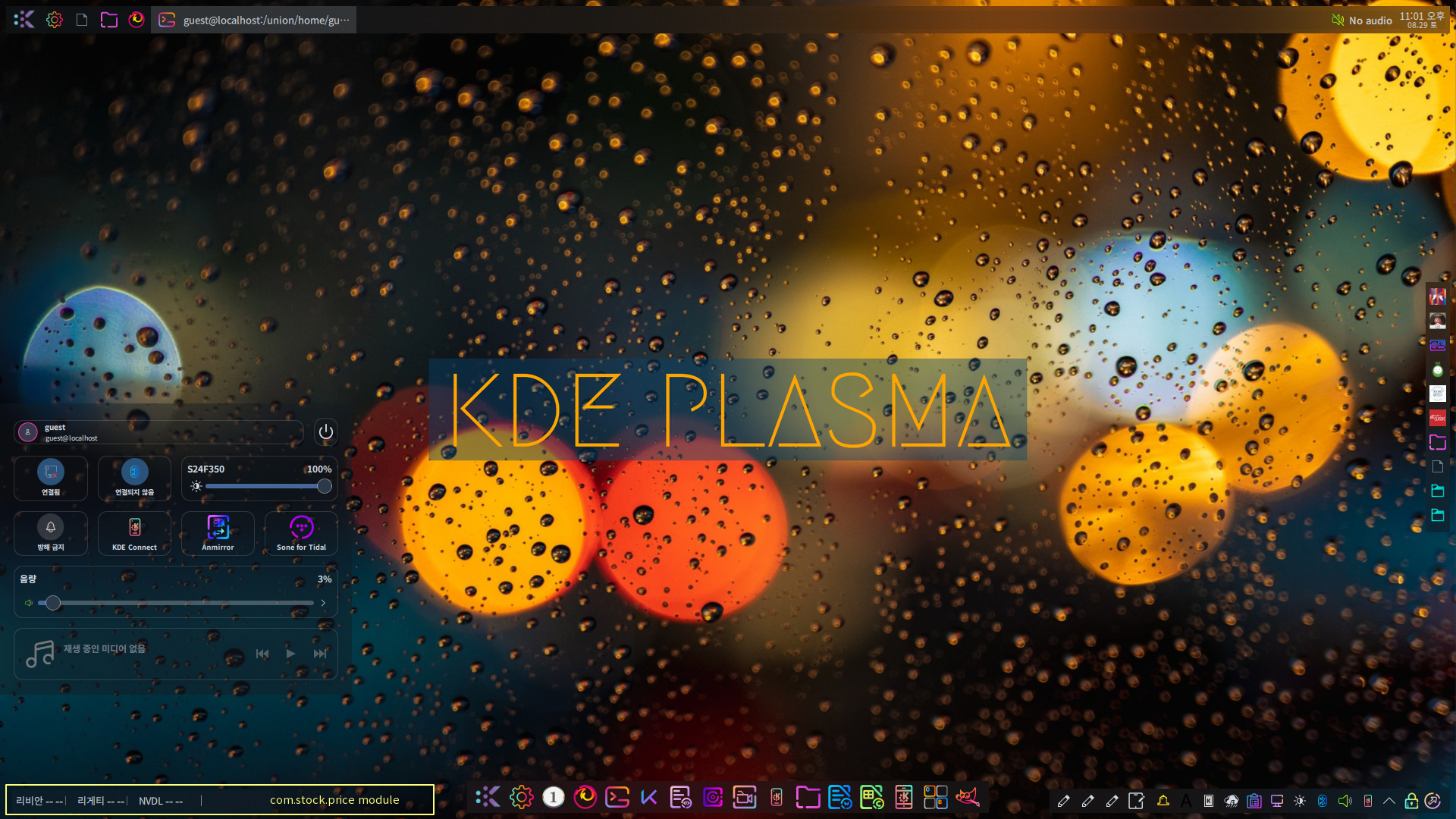

:::::::::: 부트 스플래시 변경 ::::::::::::
No1.Linux의 부트 스플래시는 NeonButterfly 이미지를 적용하여 사용하고 있습니다.
부트 스플래시를 여러분이 좋아하는 이미지로 대체하여 변경하는 방법을 알아봅니다.
1. 부트 스플래시로 사용할 이미지 파일을 준비합니다.
2, 준비된 이미지를 /usr/share/bootsplash/themes/스플래시명/images 디렉토리안에 bootsplash-해상도.jpg명으로 저장합니다.
예) bootsplash-800x600.jpg
bootsplash-1024x768.jpg
bootsplash-1280x1024.jpg
3. /etc/bootsplash/themes/스플래시명/config 디렉토리에 해상도에 따른 스플래시 설정 파일을 다음과 같이 생성합니다.
| # This is the configuration file for the 1024x768 bootsplash picture # this file is necessary to specify the coordinates of the text box on the # splash screen. # config file version version=3 # should the picture be displayed? state=1 # fgcolor is the text forground color. # bgcolor is the text background (i.e. transparent) color. fgcolor=0 bgcolor= # (tx, ty) are the (x, y) coordinates of the text window in pixels. # tw/th is the width/height of the text window in pixels. tx=85 ty=47 tw=844 th=596 # ttf message output parameters text_x=116 text_y=76.8 text_size=15 text_color=0xfadc0a # name of the picture file (full path recommended) jpeg=/usr/share/bootsplash/themes/스플래시명/images/bootsplash-1024x768.jpg silentjpeg=/usr/share/bootsplash/themes/스플래시명/images/bootsplash-1024x768.jpg progress_enable=1 # background # b(order) or i(nter) box silent noover 152 641 888 647 #a29b9b56 # progress bar box silent inter 152 642 152 646 #ffffff #ffffff #000000 #000000 box silent 152 642 888 646 #ffffff #ffffff #000000 #000000 # black border (top, bottom, left, right) box silent 152 641 888 641 #313234 box silent 152 647 888 647 #889499 box silent 152 641 152 647 #313234 box silent 888 641 888 647 #889499 # text box box noover 75 42 939 648 #ffffff5d # black border (top, bottom, left, right) box 74 42 74 649 #313234 box 75 42 940 42 #313234 box 940 43 940 649 #889499 box 75 649 940 649 #889499 overpaintok=1 LOGO_CONSOLE= |
상기 설정 예제의 결과는 다음과 같습니다.

4. /etc/sysconfig/bootsplash 설정
| SPLASH=auto THEME=스플래시명 LOGO_CONSOLE=theme |
5. initrd.img 재생성
| # cd /usr/share/bootsplash/scripts # ./make-boot-splash /boot/initrd-2.6.24.4.tex3.img 1024x768 |
6. /boot/grub/menu.lst 수정
커널 이미지 설정 라인 마지막에 vga=791 spalsh=silent를 추가합니다.
| kernel (hd0,9)/boot/vmlinuz BOOT_IMAGE=linux root=/dev/sda10 acpi=on splash=silent vga=791 |
7. 시스템을 리부팅하여 새로운 부트 스플래시가 적용되는지를 확인하면 됩니다.

 부트 스플래시 바꾸기 (도구 사용)
 KDE 부트 스플래시 화면 바꾸기
