

넘버원 리눅스 최신 문서


|
|

|

|
넘버원 리눅스 최신 댓글 목록
- 2026-09-13
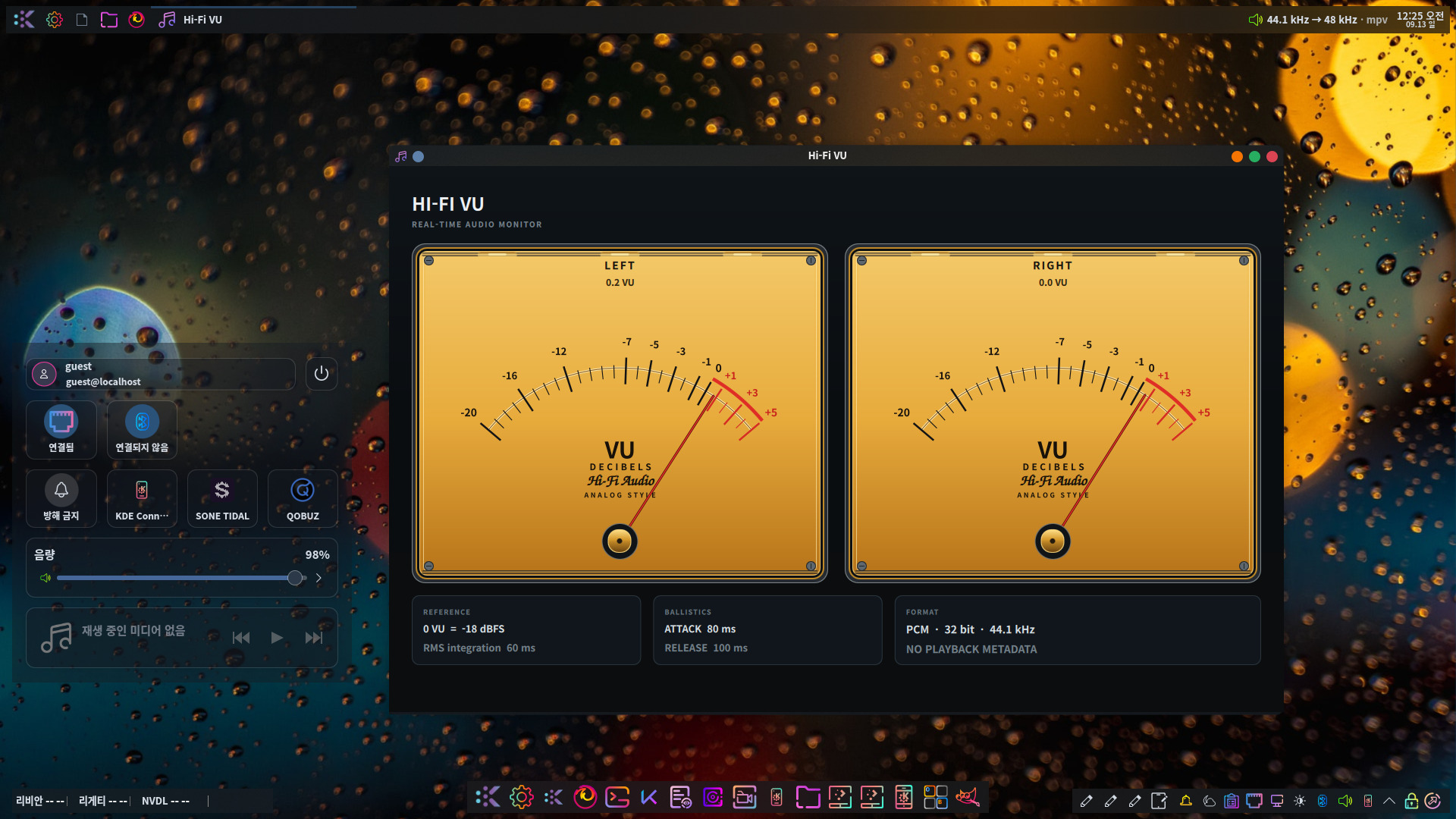
- 2026-09-12 Name: hifi-vu Version: 1.0 Release: 1%{?dist} Summary: Real-time Hi-Fi audio VU meter and stream monitor License: GPL-3.0-or-later URL: https://example.invalid/hifi-vu BuildRequires: cmake BuildRequires: gcc-c++ BuildRequires: pkgconfig BuildRequires: pkgconfig(libpipewire-0.3) BuildRequires: qt6-qtbase-devel BuildRequires: qt6-qtdeclarative-devel BuildRequires: qt6-qtdeclarative-tools Requires: qt6-qtbase Requires: qt6-qtdeclarative Requires: pipewire # Qt DBus / Quick / QML runtime Requires: qt6-qtbase-gui Requires: qt6-qtdeclarative-quick # MPRIS uses the session D-Bus provided by the desktop session. Requires: dbus %description Hi-Fi VU is a real-time audio monitor for Linux. It displays stereo VU meters together with the negotiated PCM format, bit depth, sample rate and playback metadata. The application uses PipeWire for audio monitoring and MPRIS, PipeWire metadata and mpv IPC for playback information. The Hi-Fi Audio script logo uses a bundled Z003 font resource. %prep %autosetup -n hifi-vu-%{version} %build %cmake \ -DCMAKE_BUILD_TYPE=Release \ -DCMAKE_INSTALL_PREFIX=%{_prefix} \ -DCMAKE_INSTALL_BINDIR=%{_bindir} %cmake_build %install %cmake_install # Desktop entry install -D -m 0644 /dev/stdin \ %{buildroot}%{_datadir}/applications/hifi-vu.desktop <<'EOF' [Desktop Entry] Type=Application Name=Hi-Fi VU Comment=Real-time Hi-Fi audio monitor Exec=hifi-vu Icon=audio-x-generic Terminal=false Categories=AudioVideo;Audio;Player; StartupNotify=true EOF %files %license %{_bindir}/hifi-vu %{_datadir}/applications/hifi-vu.desktop %changelog * Sat Sep 12 2026 Hi-Fi VU Project - Initial RPM package - PipeWire audio monitoring - MPRIS playback metadata - Live PCM format and sample-rate display - Bundled Z003 script font
- 2026-09-06 qobus compile 환경# 기존 스왑 비활성화 sudo swapoff /swapfile 2>/dev/null # 16GB 스왑 파일 생성 (필요시 32G로 변경 가능) sudo fallocate -l 16G /swapfile sudo chmod 600 /swapfile sudo mkswap /swapfile sudo swapon /swapfile # 적용 확인 free -h
- 2026-09-06 qobuz-2.0.2-2 버전 추가 내용 ☞ Init Script - /etc/init.d/qobuz : 런레벨에 따른 자동 실행 ☞ qbz-run 실행 파일 지원 ☞ qbz-ui 한글 로케일 지원
- 2026-09-01 LDAC 연결엔 성공하였지만, 두 기기간 무음으로 재생 전송되어, 실제적으로는 LDAC의 효과를 기대할 수 없다. 이는 오픈소스에서도 리눅스가 RX로 동작하더라도 출력에 문제가 있다는 이슈가 있어서 현재는 이 프로젝트를 중단하기로 했다. 코덱 연결까지는 성공하였으므로, 이제까지 과정은 그대로 유효한 과정으로 두고, 향후 재생에 문제가 없을 경우 다시 적용하기로 manus.im와 결론 지었다.
- 2026-09-01 ~/.config/plasma-org.kde.plasma.desktop-appletsrc1. Panel Desktop 파일 지정 [Containments][91][Applets][99][Configuration] url=file:///home/$USER/share/applications/파이어폭스.desktop containments 항목에서 패널 아이콘은 url= 형식으로 설정 url=file:///로 절대 경로만 허용되며, $HOME, $USER와 같은 변수 지정은 불가능 이 설정으로 데스크탑 환경이 동작할 때 localPath= 설정이 자동으로 설정되므로, 라이브 마스터링할 때 이 설정은 사용하지 않음
- 2026-08-30 FAQ1. com.stock.price 설치 후 org.stock.price 모듈 오류 1. 원인 : .local/lib64/qml/org/stock/price 경로에 있는 libstockwalletplugin.so 모듈의 경로 위치가 올바르지 않기 때문 2. 해결책 : .config/plasma-workspace/env/qml-path.sh 실행 export QML_IMPORT_PATH="$HOME/.local/lib64/qml${QML_IMPORT_PATH:+:$QML_IMPORT_PATH}"
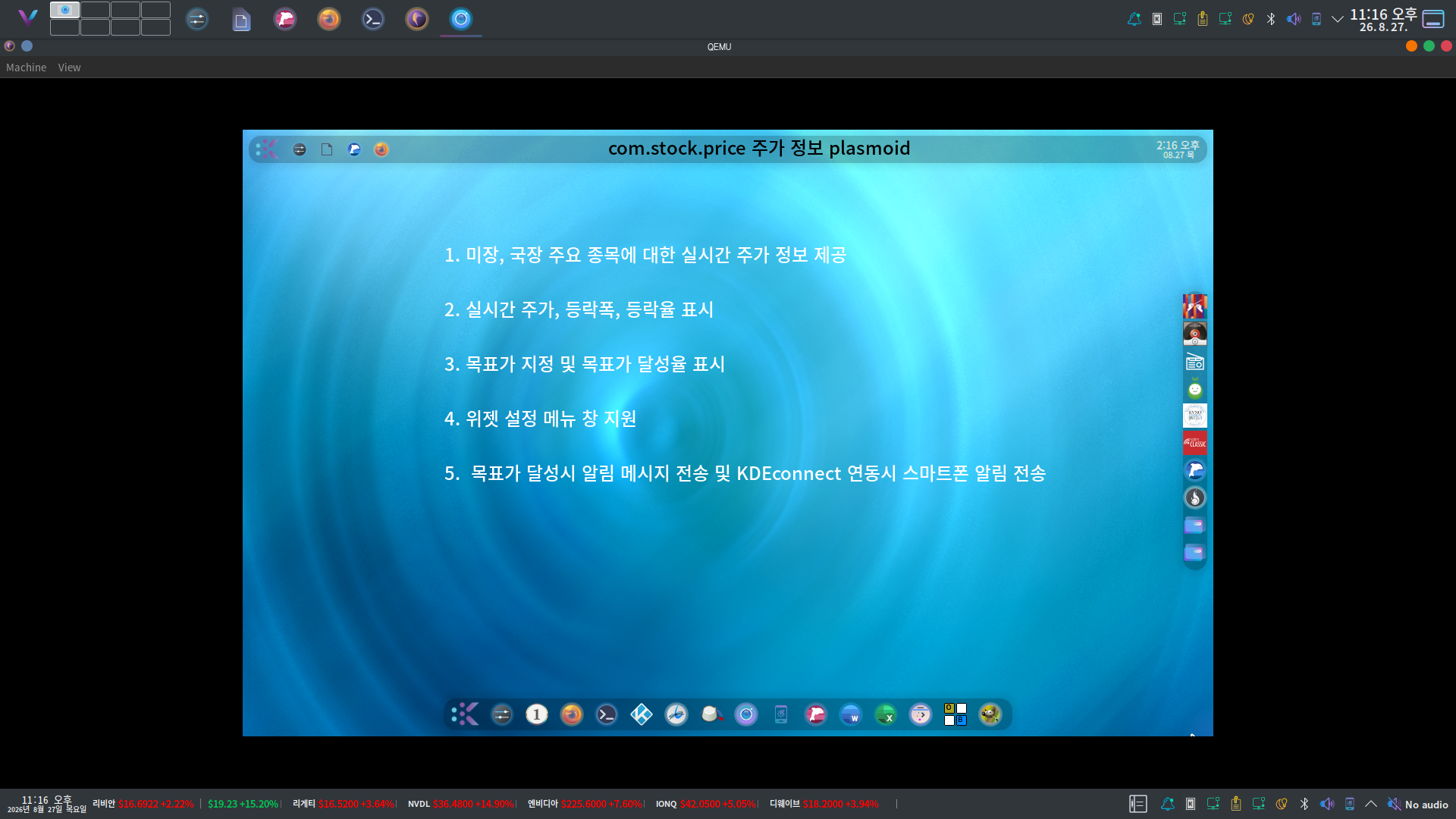
- 2026-08-27 com.stock.price plasmoid에 다른 plasmoid가 중첩 문제 해결 com.stock.price-2026.08.26-panel-width.tar.xz
- 2026-08-26 이 기능은 kdeconnect와 연동되어 스마트폰으로도 알림 메시지가 전송됩니다.
- 2026-08-25 상기 이슈는 kio 6.29 버전의 버그로 알려져 있으며, Cest.Linux의 kio-6.29.0-2no1linux2026버전에서 이미 패치되어 있는 상태이다. 따라서 servicemenu가 동작하지 않을 때는 dnf install kio 명령을 이용하여 업데이트해 주면 된다. https://invent.kde.org/frameworks/kio/-/commit/774defb949ac5130bbbd9f900c2c140ff99e1af1